
TROUBLE DIAGNOSES — Supplemental Restraint System (SRS) — Trouble Diagnoses with CONSULT-II (Cont'd) — DIAGNOSTIC PROCEDURE 3 (continued)
BF-7040prose procedureScreen 2SDC02 shows printed typo 'FUTHER TESTING' (sic) — preserved verbatim in figure description.
Trouble Diagnoses with CONSULT-II (Cont'd)
Final checking after repairing SRS (CONSULT-II) — continuation
- 4Touch "START".
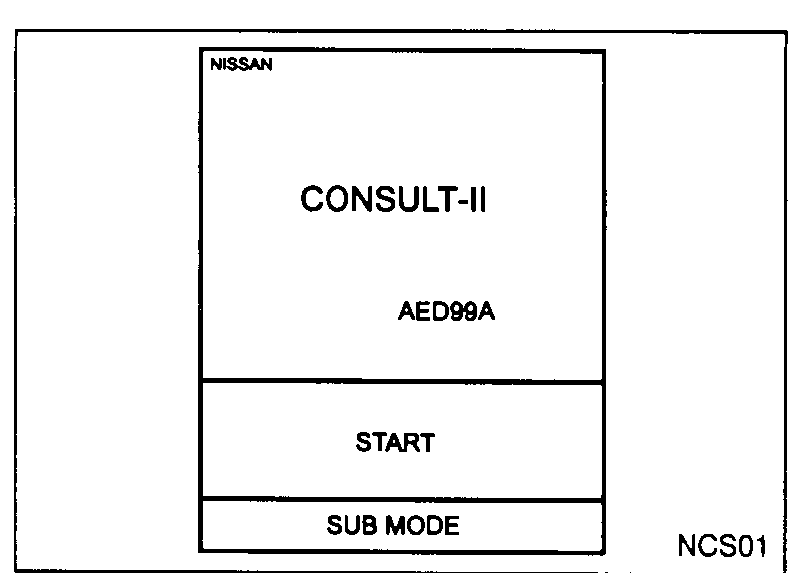 NCS01
NCS01 - 5Touch "AIRBAG".
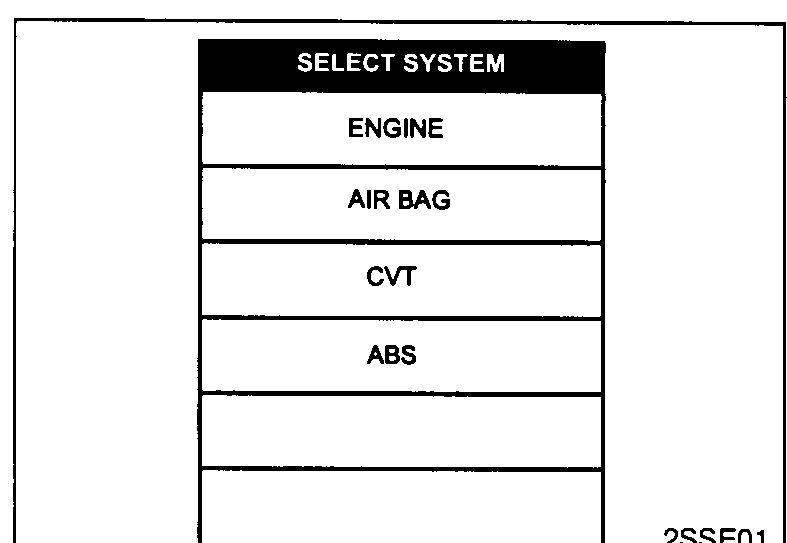 2SSE01
 - 6Touch "SELF-DIAG [CURRENT]".
![CONSULT-II SELECT DIAG MODE screen — SELF-DIAG [CURRENT], SELF-DIAG [PAST], TROUBLE DIAG RECORD, ECU DISCRIMINATED NO.](/images/BODY_1__page_083_fig3.png) 2SDM02
2SDM02 - 7If no malfunction is detected on "SELF-DIAG [CURRENT]", repair of SRS is completed. Go to step 8. If any malfunction is displayed on "SELF-DIAG [CURRENT]", the malfunctioning part is not repaired completely or another malfunctioning part is detected. Go to DIAGNOSTIC PROCEDURE 2, page BF-7036, and repair malfunctioning part completely.
![CONSULT-II SELF-DIAG [CURRENT] screen — DTC RESULTS: "NO DTC IS DETECTED. FUTHER TESTING MAY BE REQUIRED" (sic).](/images/BODY_1__page_083_fig4.png) 2SDC02
2SDC02 - 8Touch "ERASE".Touch "ERASE" to clear the memory of the malfunction ("SELF-DIAG [PAST]"). If the memory of the malfunction in "SELF-DIAG [PAST]" is not erased, the User mode shows the system malfunction by the operation of the warning lamp even if the malfunction is repaired completely.
![CONSULT-II SELF-DIAG [CURRENT] screen — DTC RESULTS: "PRE-TEN FRONT LH [OPEN/VB-SHORT]" — ERASE button visible.](/images/BODY_1__page_083_fig5.png) 2SDC01
2SDC01