
DIAGNOSES — Overall System / Operation Check (Cont'd)
HA-31prose procedureOperation Check (Cont'd)
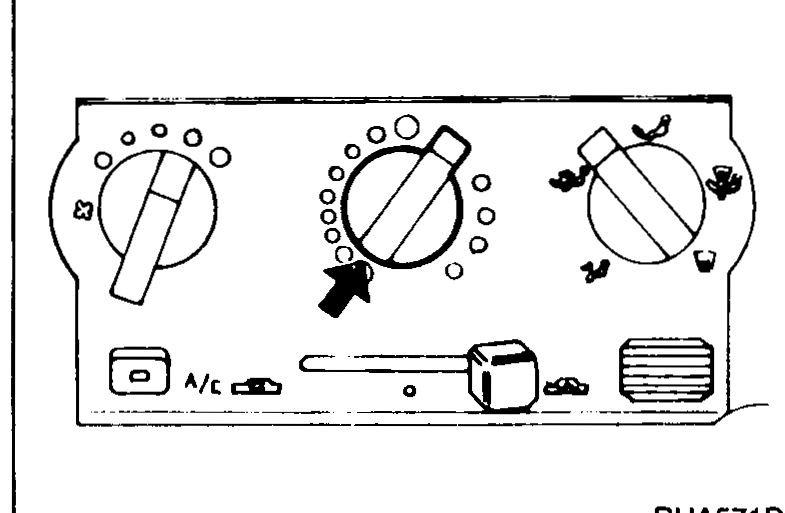
4. Check temperature decrease
- 1Rotate temperature control dial to full cold.
 RHA571D
 - 2Check for cold air at discharge air outlets.
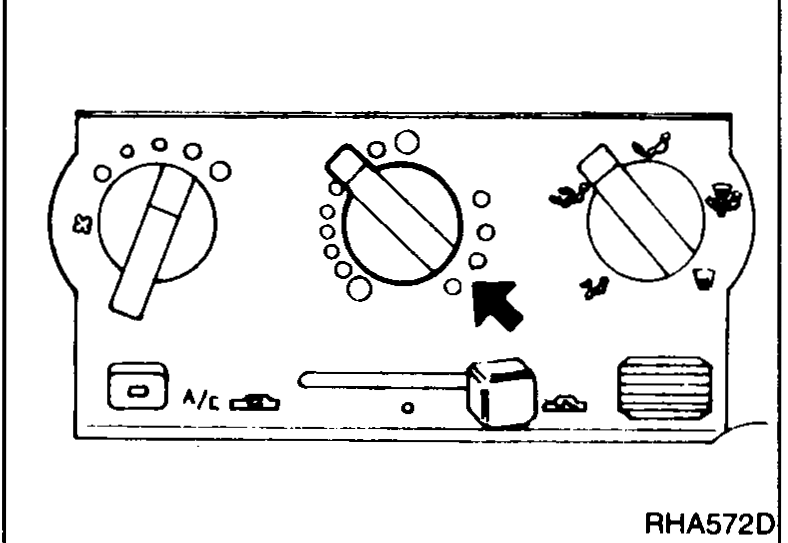
5. Check temperature increase
- 1Rotate temperature control dial to full hot.
 RHA572D
 - 2Check for hot air at discharge air outlets.
6. Check A/C switch
Rotate fan switch dial to the desired position (1 to 4) and press air conditioner switch to turn ON air conditioner. Indicator light will come on when air conditioner is ON.