
ENGINE LUBRICATION SYSTEM - Oil Pressure Check / Oil Pump
LC-5003prose procedureVJZ supplement page (Nissan engine code marker top right).
Oil Pressure Check
WARNING
Be careful not to burn yourself, as the engine and oil may be hot.
Oil pressure check should be done in "Neutral" gear position.
Oil Pressure Check
- 1Check oil level.
- 2Remove oil pressure switch.
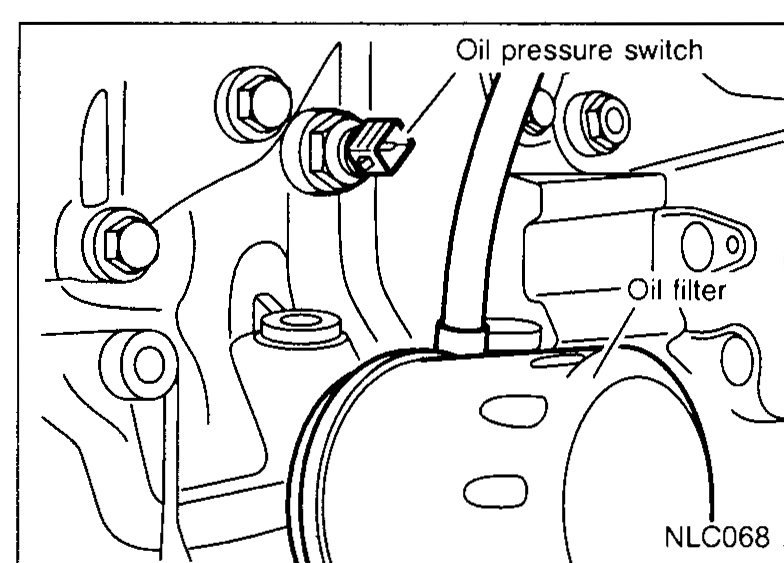 NLC068
 - 3Install pressure gauge.
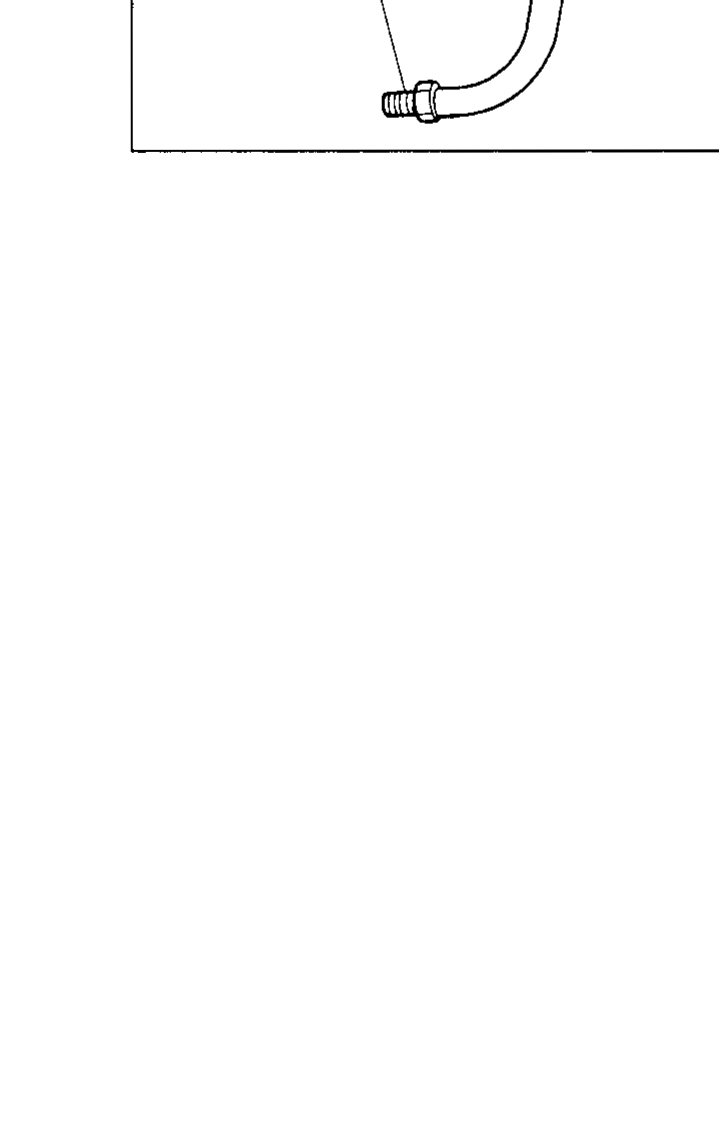 SLC926A
 - 4Start engine and warm it up to normal operating temperature.
- 5Check oil pressure with engine running under no-load.If difference is extreme, check oil passage and oil pump for oil leaks.
- 6Install oil pressure switch with a new washer.
Oil Pressure — Approximate Discharge Pressure
Idle speed
Approximate discharge pressure kPa (bar, kg/cm², psi)More than 59 (0.59, 0.6, 9)
2,000
Approximate discharge pressure kPa (bar, kg/cm², psi)300 (3, 3.06, 43.5)
4,000
Approximate discharge pressure kPa (bar, kg/cm², psi)400 (4, 4.08, 58)
Oil Pump
REMOVAL AND INSTALLATION
Oil Pump Removal and Installation
- 1Drain engine oil.
- 2Remove timing belt, refer to EM section ("TIMING BELT", "Removal", EM-5012).
- 3Remove oil pan, refer to EM section ("OIL PAN", "Removal", EM-5009).
- 4Remove crankshaft sprocket, spacer and front cover.
 NLC069
 - 5Remove oil pump assembly with drive chain and drive gear.
- 6Reinstall any part removed. Refill engine oil.
| Specification | Value |
|---|---|
| Oil pump mounting boltTightening torque | 10N·m (1.0 kg-m, 88.5 in-lb) |
Oil pump mounting boltTightening torque
10N·m (1.0 kg-m, 88.5 in-lb)